How to Set Up and Use M-PESA in Kenya: Step by Step Guide
Traveling to Kenya?
If you plan to make any purchases or pay for services while visiting Kenya, you will need to set up an M-PESA account.
This mobile payment app is a must for any tourist visiting Kenya as it is used more than any other payment method throughout the country.
This step-by-step guide you will walk you through what M-PESA is, how to set up your electronic payment in Kenya, and how to use it.
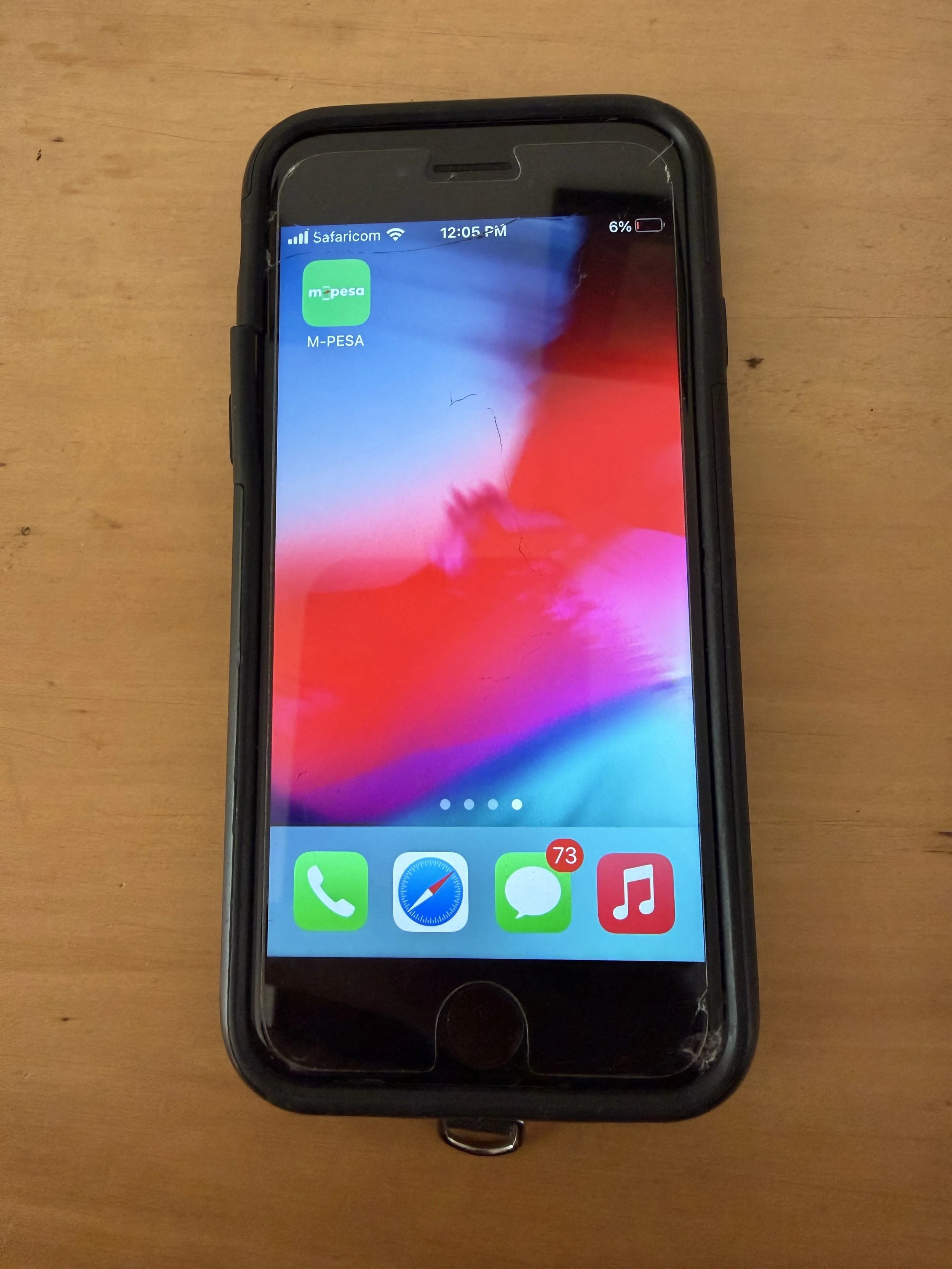
Step-by-Step Guide to M-PESA
What is M-PESA?
M-PESA: M=Mobile, PESA= ‘Money’ in Swahili
M-Pesa is a mobile banking service that allows users to store and transfer money through their mobile phones using SMS without needing a bank account. M-Pesa was introduced in Kenya as an alternative for people to access financial services and to enhance financial inclusion for the underbanked in Africa.
M-PESA is the most widely used payment method in Kenya and is essential for travelers to have when visiting Kenya.
Why Do You Need M-Pesa as a Tourist in Kenya?
Credit cards are not widely accepted in Kenya.
Every restaurant, vendor, tour company, national park, museum, street performer, etc uses this mobile payment service in Kenya.
M-PESA is a quick and easy way to pay for goods and services, tip guides and drivers, make market purchases, etc without needing cash.
While cash is accepted, you will likely get change via M-PESA, especially at restaurants, markets, or smaller entities. While most museums and tourist sites in Kenya take credit cards, some charge a “service fee” to do so.
How to Set Up M-PESA in Kenya
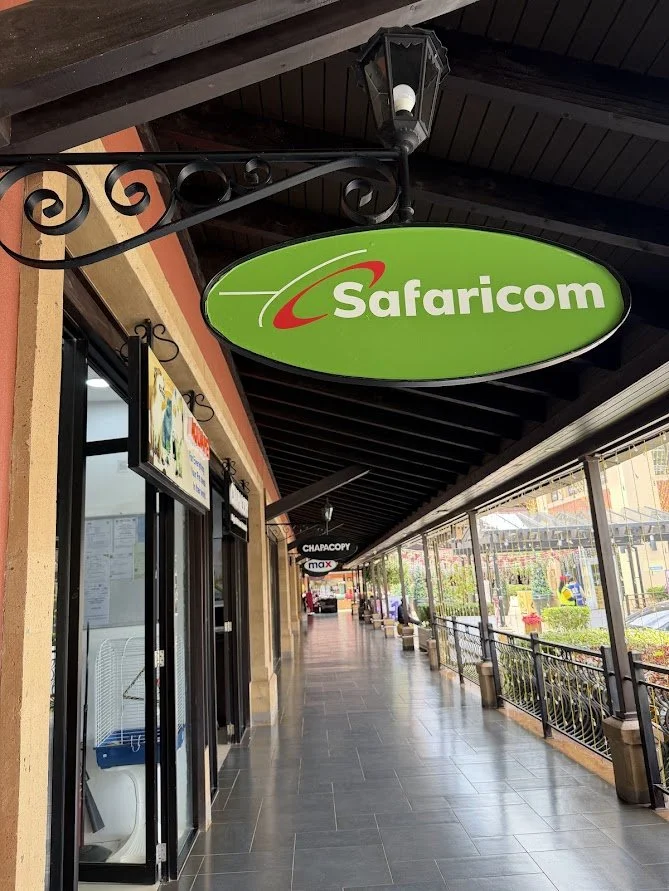
Head to your nearest Safaricom to get a SIM or eSIM. There are Safaricom stores in the airports, as well as locations in every mall and several freestanding locations. I landed at 1:30am and opted to wait until the next day to get my local SIM, which was a breeze at the mall near my accommodation.
To set up your M-PESA, you need
Your phone
A local phone number (via Safaricom SIM)
Your passport
Cash to deposit into your account
Your Safaricom account and M-PESA will be set up at the same time at Safaricom locations, no need to download any apps or set up any accounts prior to going to Safaricom.
SIM and eSIM cards in Kenya are very inexpensive on the tourist dollar, 100KES/less than $1 for a physical SIM and 200KES for an eSIM.
Data and voice/SMS plans are also very inexpensive, offering numerous plans and options. These are easily managed in the Safaricom app, or you can add airtime directly through the M-PESA app. You do need to purchase a small amount of data to activate and use your M-PESA, even if you are using an alternative international plan.
⭐I Lived It, So You Can Learn It:
Make sure you are traveling with a phone that is SIM/eSIM compatible.
I came to Kenya with a brand-new iPhone that does not take a physical SIM and was locked by my provider due to being new. I didn’t realize my phone was locked until the (very patient) clerk told me. Luckily, I travel with a second, old, phone that was able to take a SIM card without issue.
My friend also ran into issues setting up her M-PESA when her passport number was input incorrectly, so she was unable to add money to her account, so be sure to double check all information is correct.
How to Use M-PESA
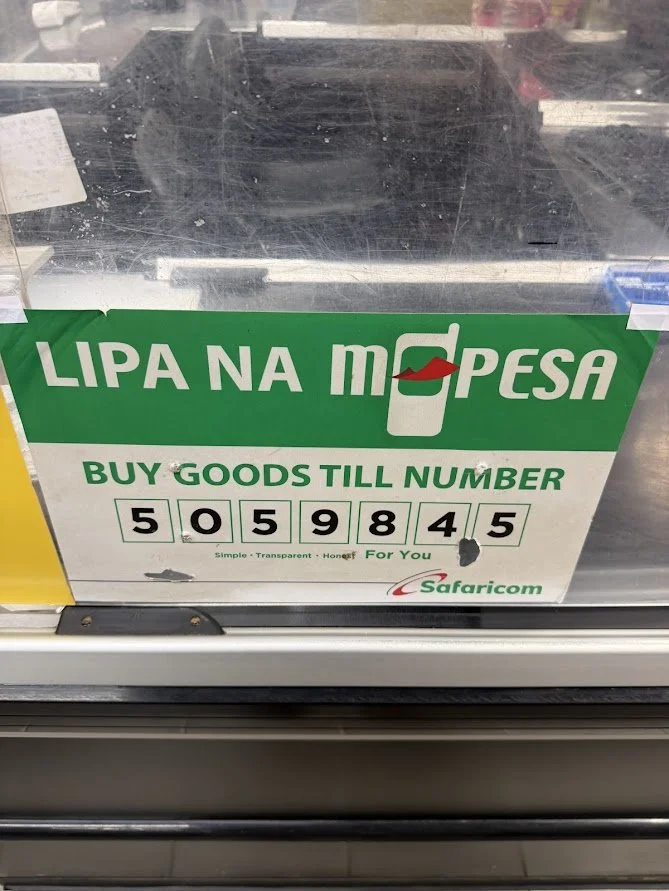
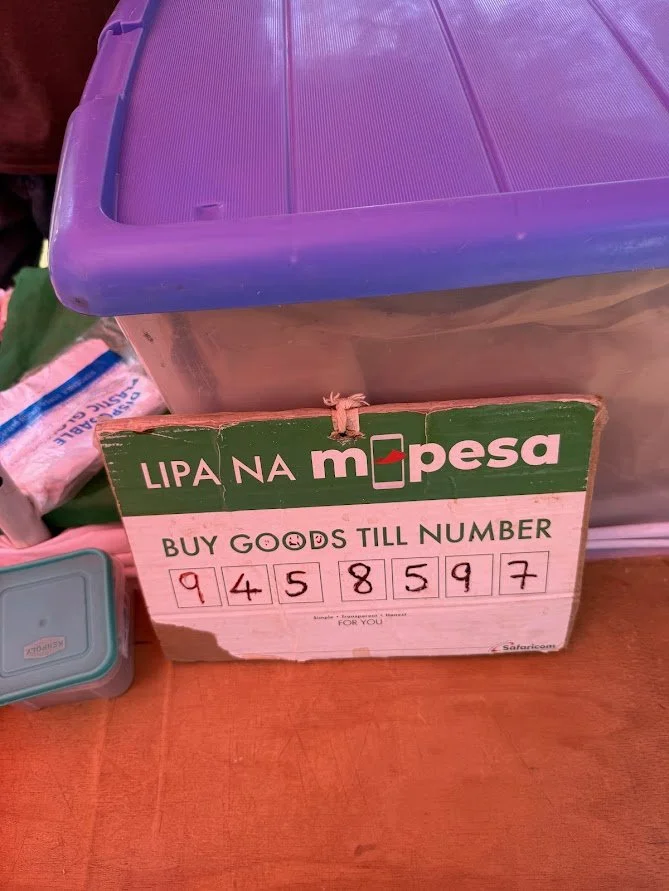
To pay for goods, services, etc or send money:
Open the M-PESA app
Choose “Send and Request” (typically for personal transactions like tips, small vendors, etc) or "Pay” (typically for larger stores, businesses, etc). The posted till number will usually indicate which form of transaction to use.
Enter the till number or receiver's phone number and send. Or provide your phone number to the cashier/receiver.
The app will prompt you along the way and to confirm the purchase and will send an alert when complete. You need to enter your pin before finalizing the payment, so don’t worry about handing your phone to vendors to enter their own information.
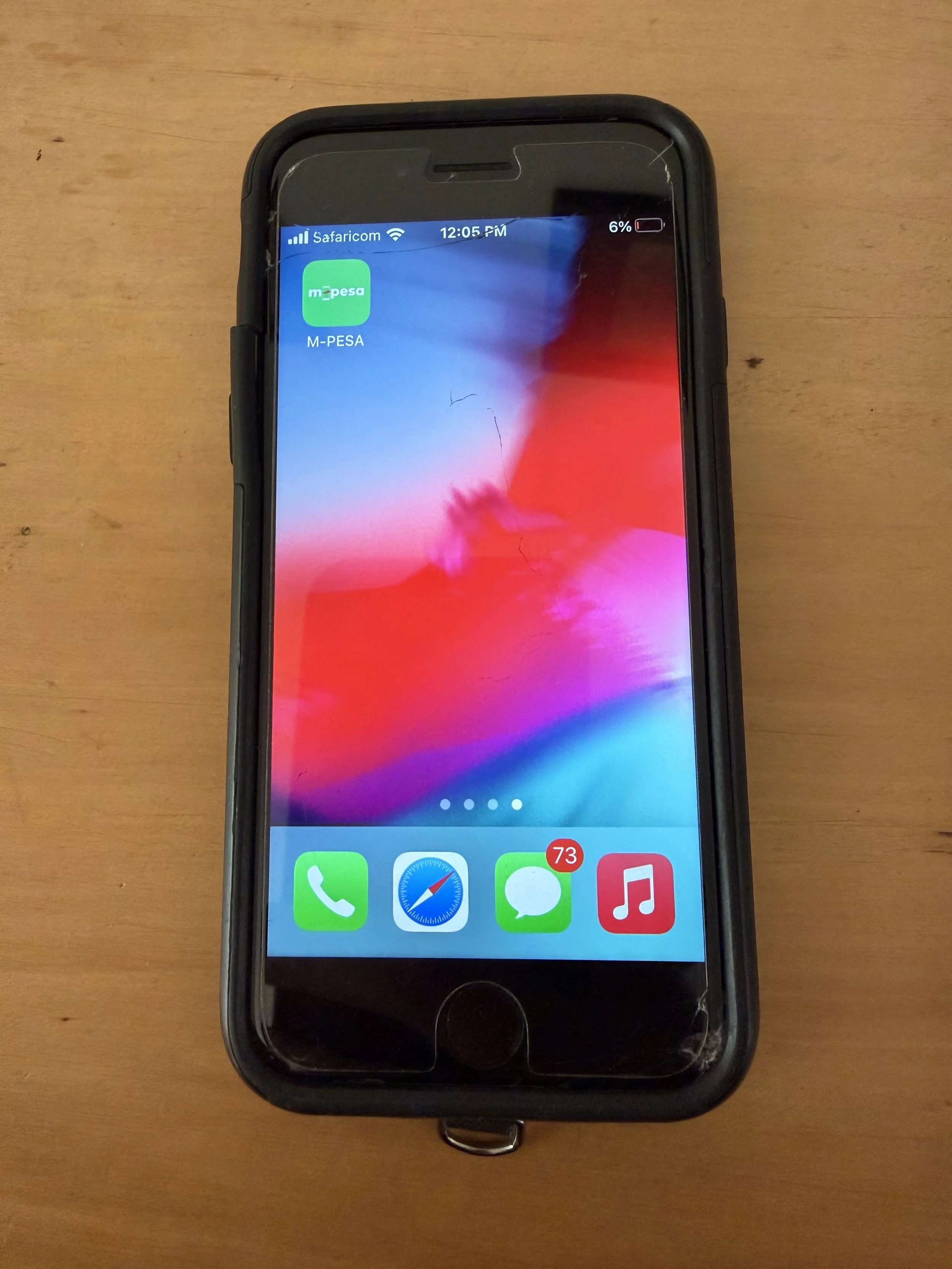
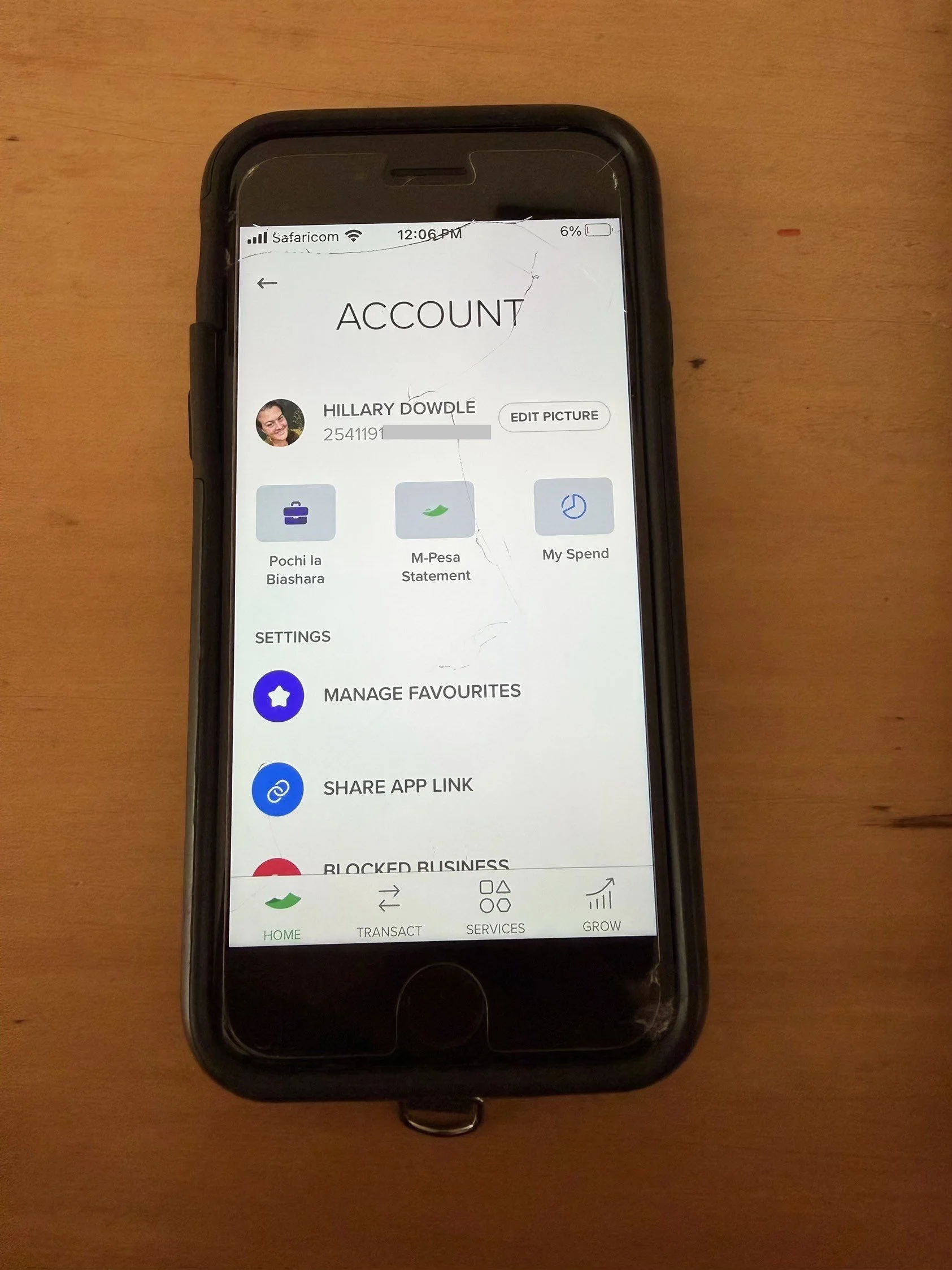
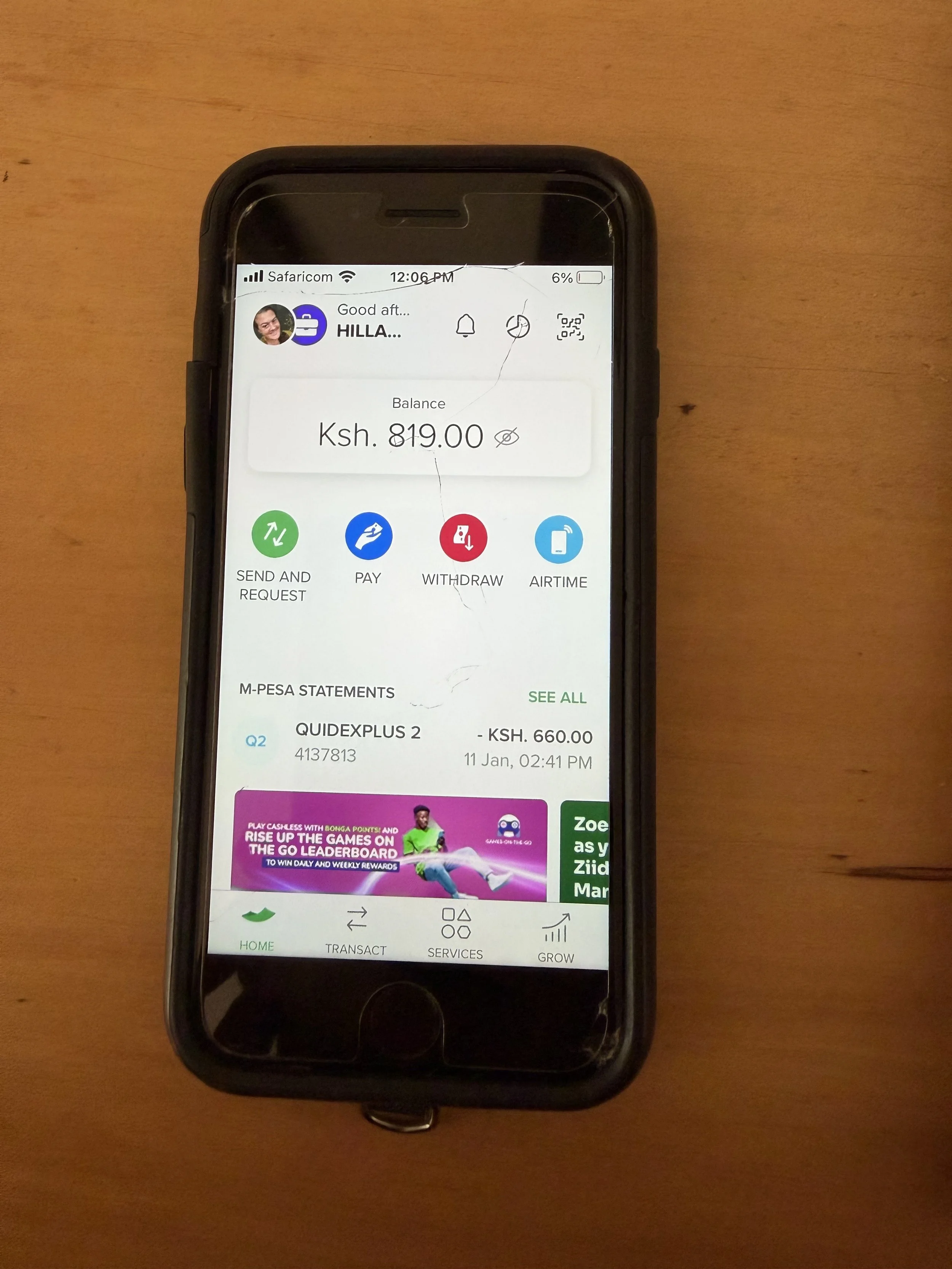
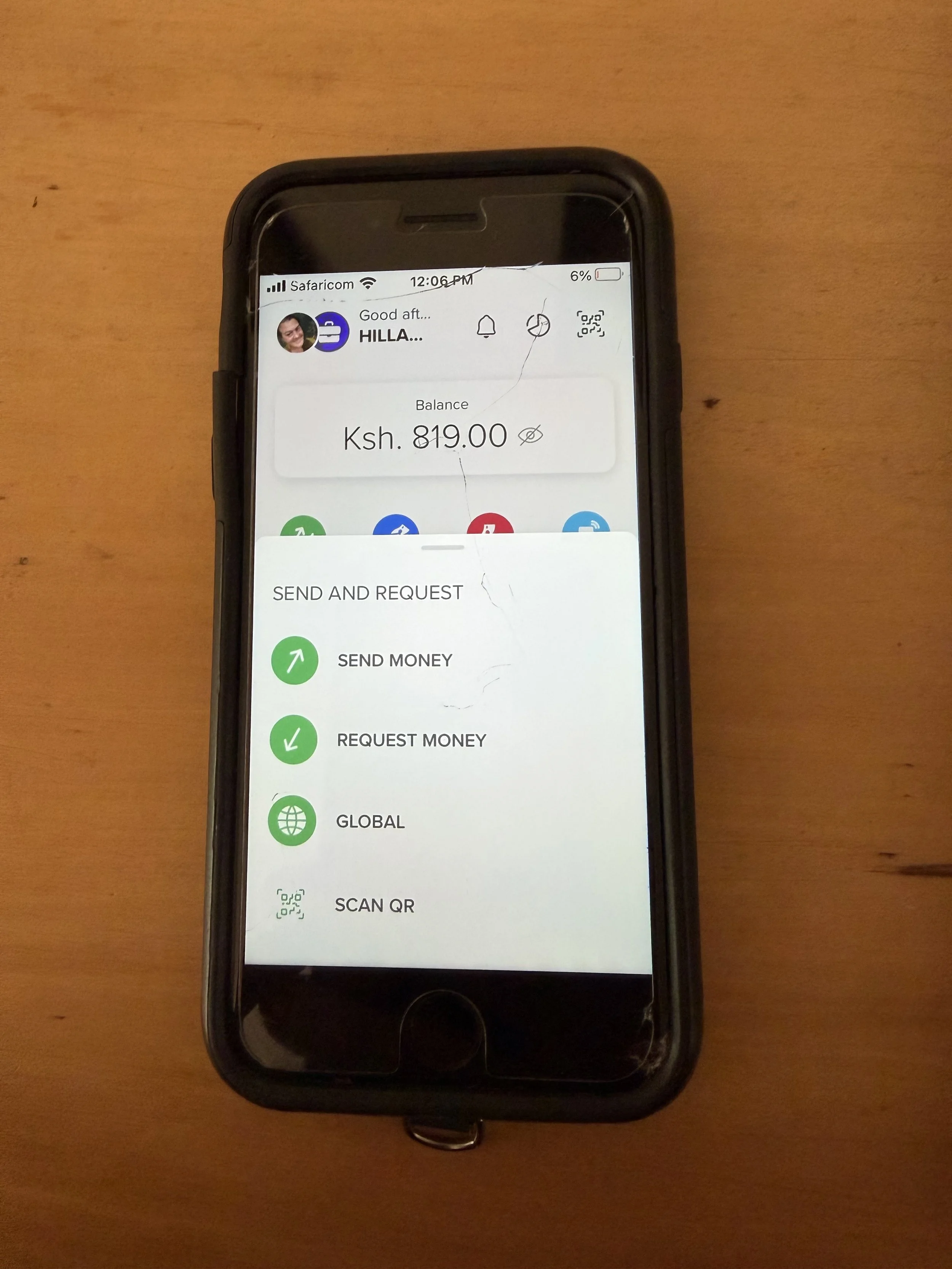
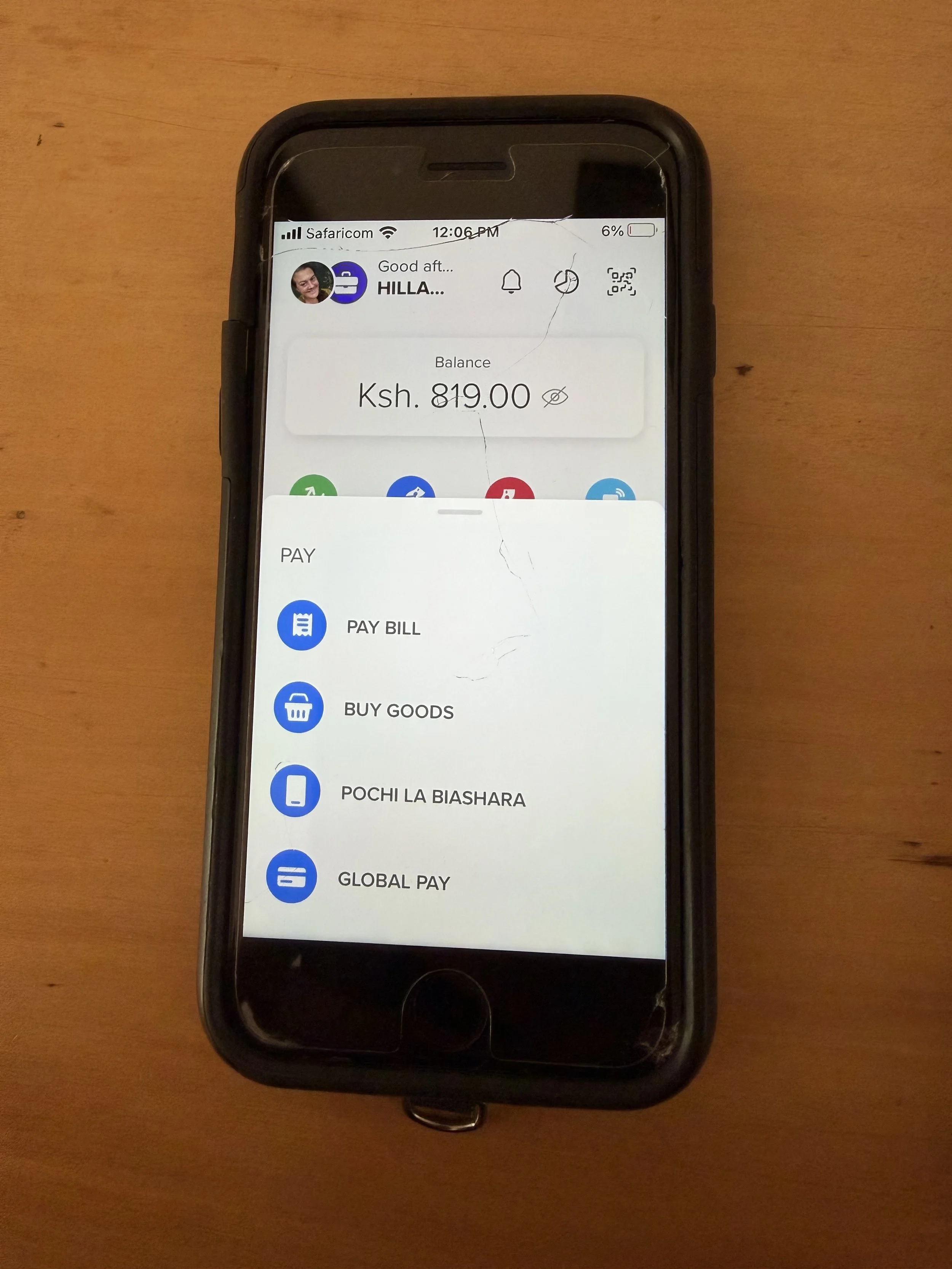
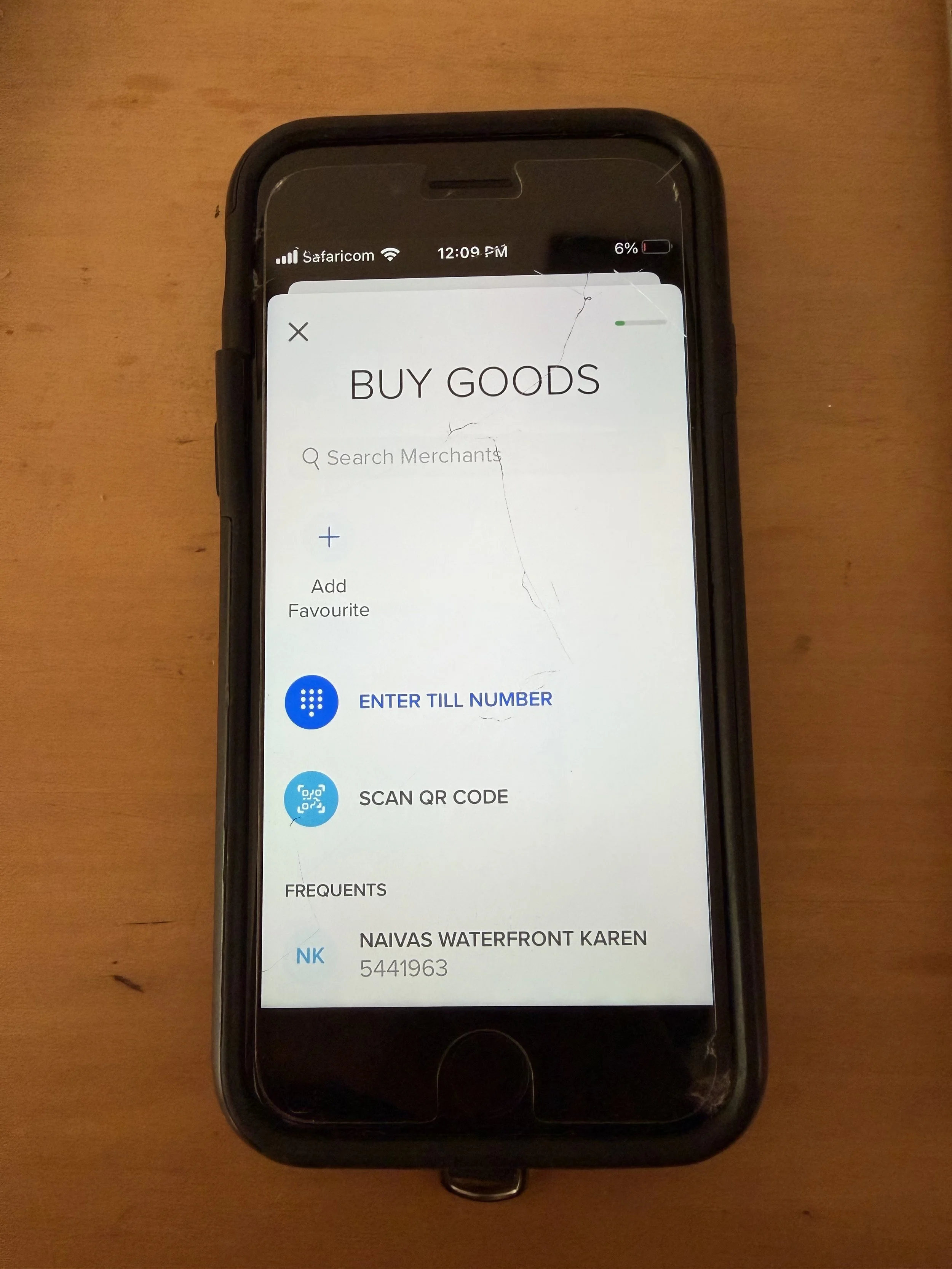
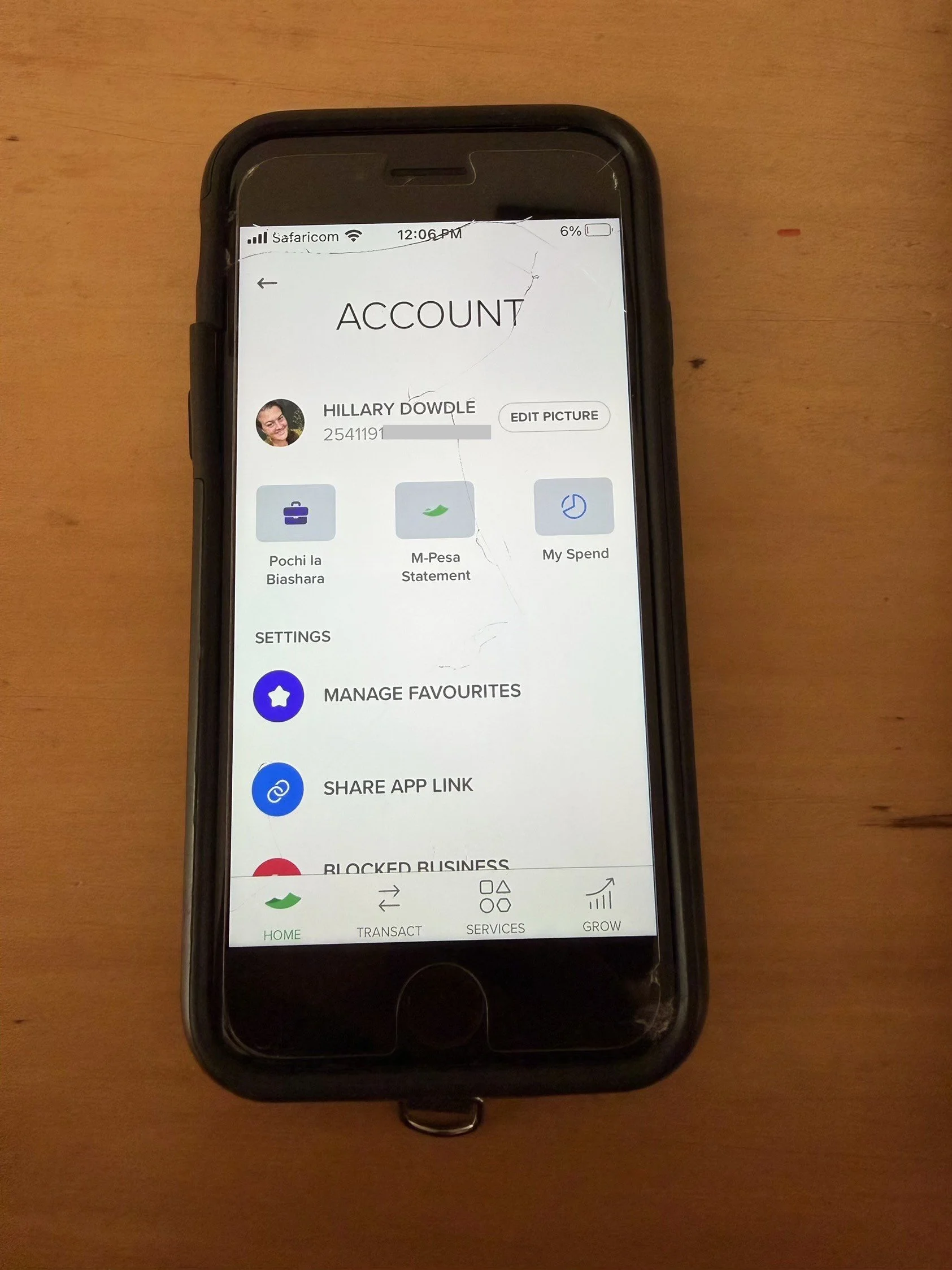
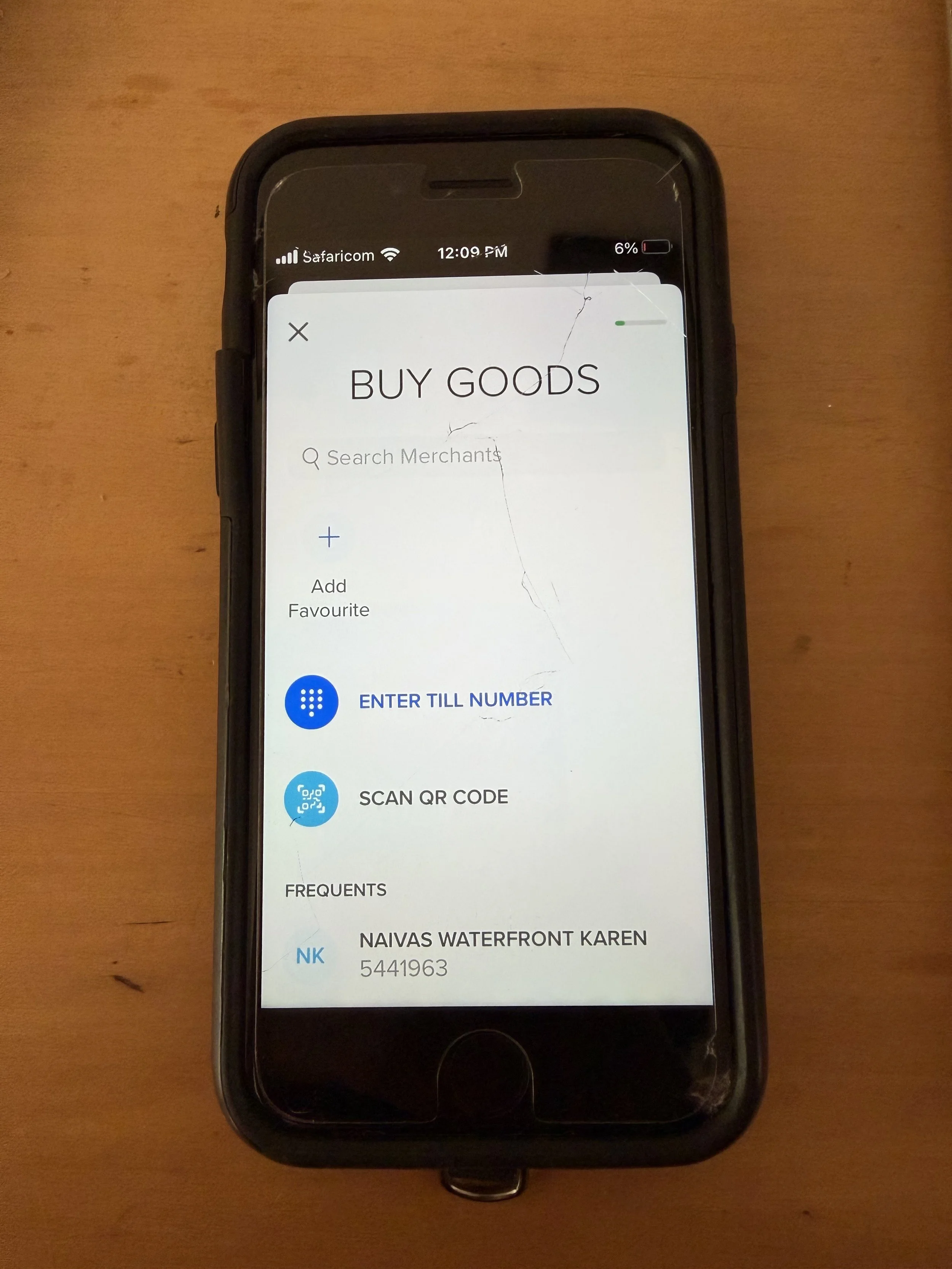
The app is actually quite user friendly and easy to navigate.
How to Add Money to M-PESA
To top up your account, you can go to any M-PESA location (in any mall, and on almost every block, almost all mobile phone shops offer this service) and deposit cash (KES) into your account. You technically need your passport, but I have had no issues just telling them my passport number.
⭐I found many online sources saying you can add money to M-PESA directly from your bank account - this is inaccurate. Only cash can be used to top up your M-PESA.
Cash exchange places are plentiful in cities like Nairobi and in tourist destinations, and many offer M-PESA services, so you can exchange and deposit funds into your M-PESA account all at once.
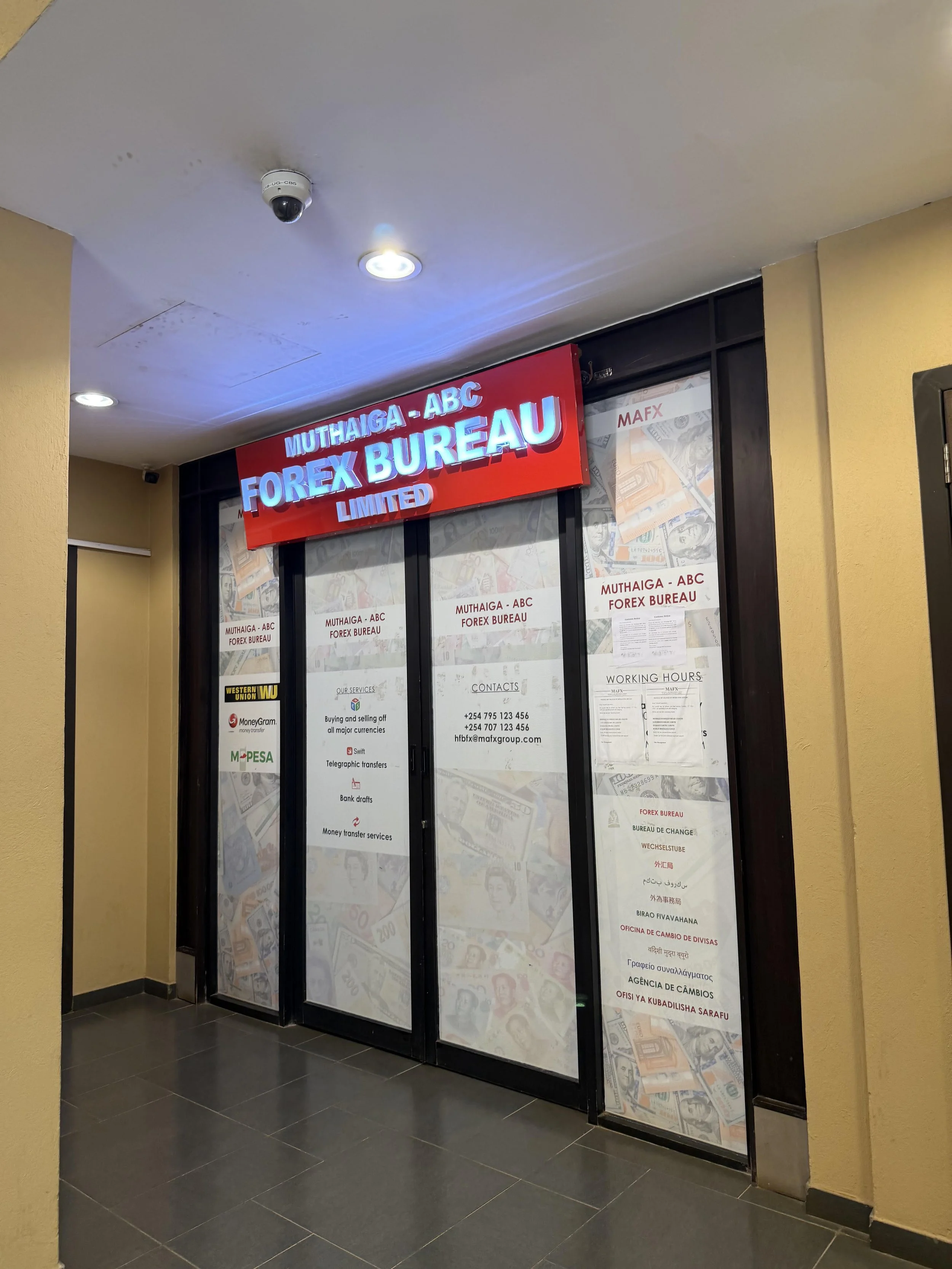
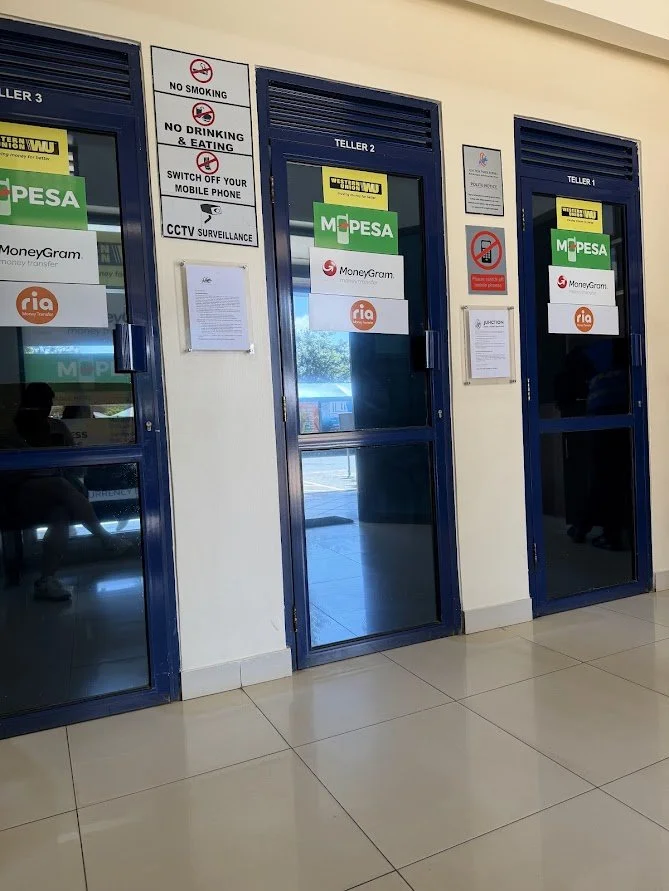
⭐Pro Tip
💵Cash Exchange in Kenya
Cash exchange places are plentiful throughout Nairobi and other tourist destinations in Kenya and offer fare market rates with no fees. USD appears to get the best rates, but euro and GBP can easily be exchanged.
Your passport is required any time you are exchanging money in Kenya.
🏧ATMs in Kenya
ATMs are readily available in Kenya at banks, in malls, storefronts, etc.
The majority of ATMs charge a 400KES ($3.10) service fee, however, if you are looking for a no-fee ATM in Kenya Family Bank is the best option.
While the initial set up of M-PESA in Kenya can seem a little complicated, it is actually a straight-forward and convenient way to pay for goods and services while visiting Kenya.
The M-PESA app is user friendly, and cashiers and vendors are happy to help if you have any questions or confusion when making payments (just confirm the amount and correct recipient before confirming the payment).
Hopefully this step-by-step guide to setting up and using M-PESA has made the process more simplified and less daunting. Once you are all set up, you are ready to really dive in and enjoy your time in Kenya!